
Blog · 2026-10-08
Browser extension or device app: choose your connection
Understand Chrome-only connections, system clients and how to check which applications use the selected route.
Read article →Update connection profiles, keep a working subscription and handle a new service address safely.
Zerkalo-Pro · Updated
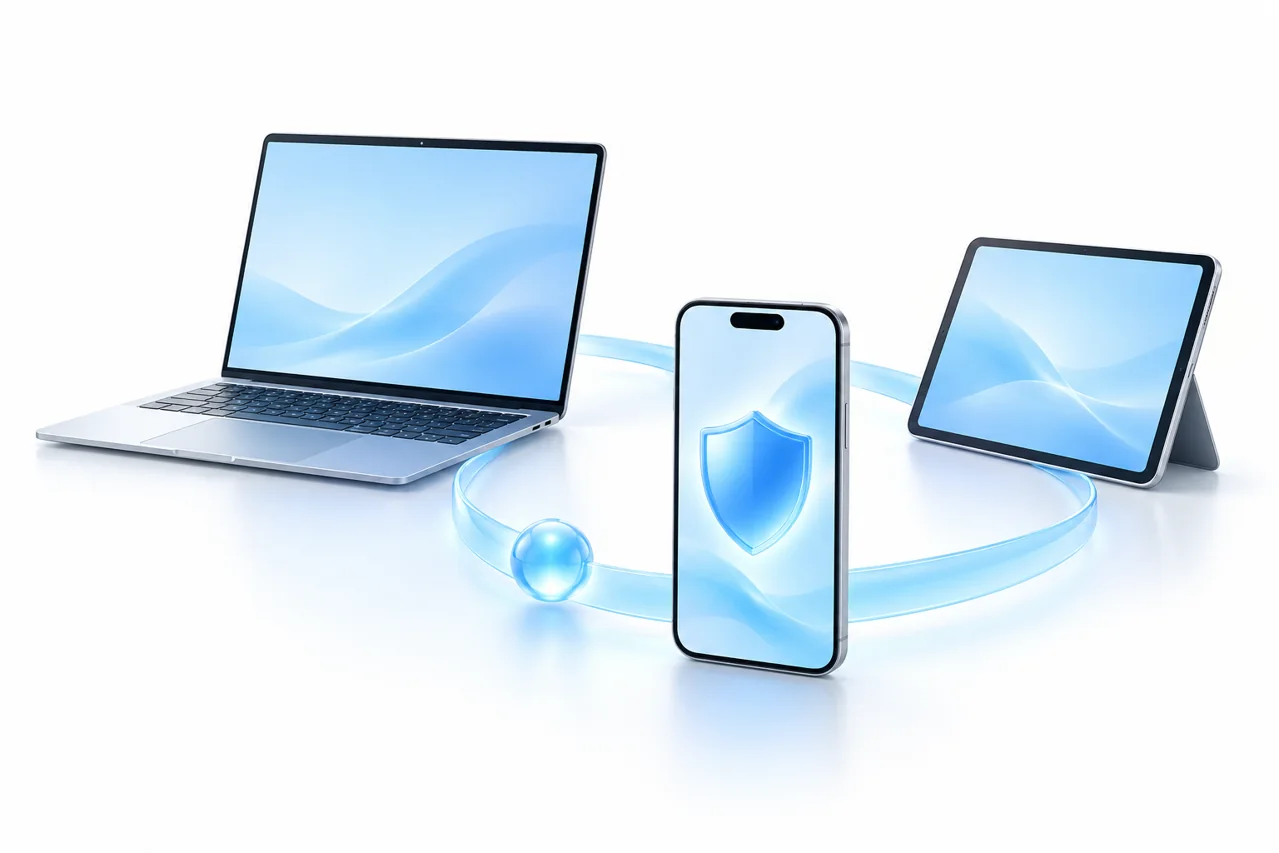
A subscription URL retrieves your available connection profiles. A profile describes one route. If one route fails, refresh the subscription and try another available profile before deleting anything.
In Happ or Hiddify, find your subscription and use its update action. Other clients offer a URL subscription refresh. Check the access expiry in your account too; button names vary by app version.
If support provides a replacement URL, add it separately and test it before removing the old working entry. Do not change server addresses or keys inside the supplied profiles.
Check internet access and device time, then try another network. Send support the app, operating system, time and error text. Hide subscription URLs and QR codes from screenshots.
Compatibility depends on your operating system and client version. System proxy mode may not cover every app; choose a connection mode using the guide.
← Blog
Blog · 2026-10-08
Understand Chrome-only connections, system clients and how to check which applications use the selected route.
Read article →Blog · 2026-10-08
Reconnect after switching between Wi-Fi and mobile data, waking the device or encountering an unavailable profile.
Read article →Blog · 2026-10-01
Set up a new device, import your subscription and check the route your apps actually use.
Read article →