
Blog · 2026-10-08
Refresh a subscription without losing your settings
Update connection profiles, keep a working subscription and handle a new service address safely.
Read article →Reconnect after switching between Wi-Fi and mobile data, waking the device or encountering an unavailable profile.
Zerkalo-Pro · Updated
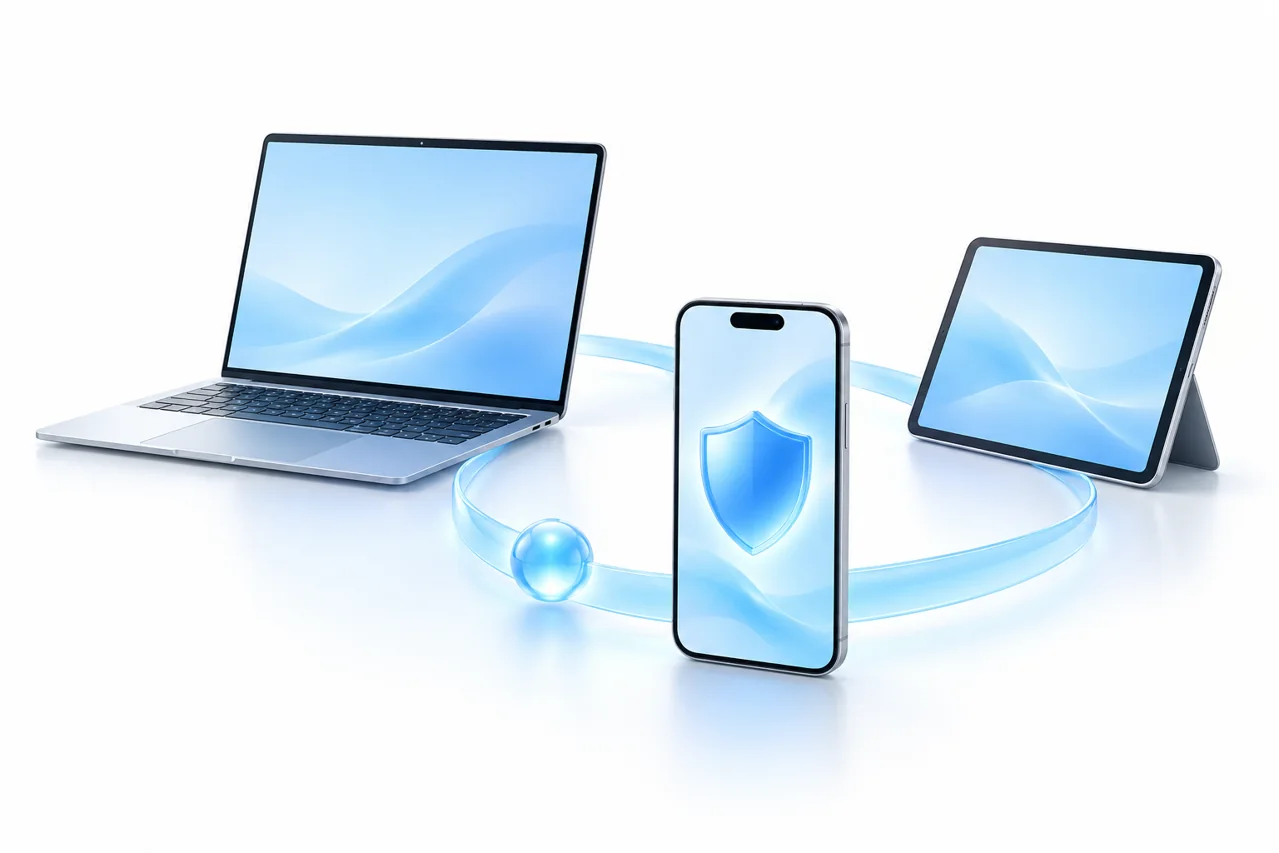
Wait for internet connectivity after changing networks. A hotel or café may require a network login first. Complete that step before enabling your secure connection.
Stop and restart the connection. A session may no longer be valid after sleep. If the issue persists, refresh your subscription and try another available profile.
When your subscription offers both direct and relay routes, each depends on different servers. One may work while another is unavailable. Automatic switching depends on the client and its configuration.
Record the working network and profile. Test one website and one app, then change either the route or the network. This gives support a useful comparison without losing working settings.
Compatibility depends on your operating system and client version. System proxy mode may not cover every app; choose a connection mode using the guide.
← BlogBlog · 2026-10-08
Update connection profiles, keep a working subscription and handle a new service address safely.
Read article →
Blog · 2026-10-08
Understand Chrome-only connections, system clients and how to check which applications use the selected route.
Read article →Blog · 2026-10-01
Set up a new device, import your subscription and check the route your apps actually use.
Read article →