
Blog · 2026-10-01
Your first connection: a practical checklist
Set up a new device, import your subscription and check the route your apps actually use.
Read article →Find the likely cause without deleting your setup or changing several settings at once.
Zerkalo-Pro · Updated

Turn the Secure connection off and open an ordinary webpage. If that fails, check Wi-Fi or mobile connectivity first. Comparing another network helps identify whether the problem is related to the network provider.
Review expiry, data allowance and devices in your account, then refresh the subscription in the app. Reinstalling cannot fix expired access or an exhausted allowance.
Try another available location and reconnect. Check client permissions and conflicts with a second Secure connection. Do not disable system security entirely or change several settings together.
Note the error time, operating system, app version and exact message. Explain what you already tried. Hide subscription links, QR codes and access details before sharing a screenshot.
Compatibility depends on your operating system and client version. System proxy mode may not cover every app; choose a connection mode using the guide.
← Blog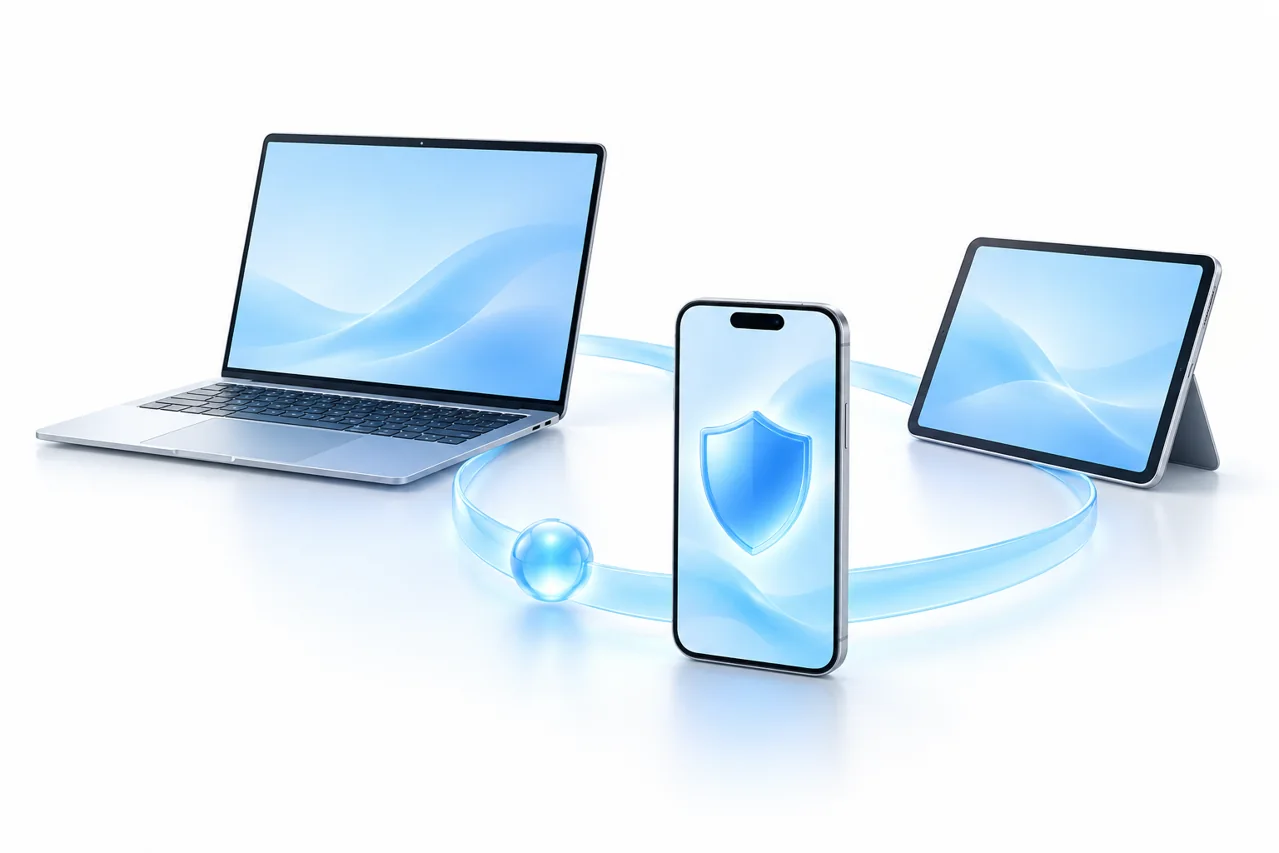
Blog · 2026-10-01
Set up a new device, import your subscription and check the route your apps actually use.
Read article →
Blog · 2026-10-01
Connect in a café, hotel or airport while understanding what a Secure connection can and cannot protect.
Read article →Blog · 2026-10-01
Check playback and data use before a film or live broadcast.
Read article →