
Blog · 2026-10-01
Your first connection: a practical checklist
Set up a new device, import your subscription and check the route your apps actually use.
Read article →Check playback and data use before a film or live broadcast.
Zerkalo-Pro · Updated
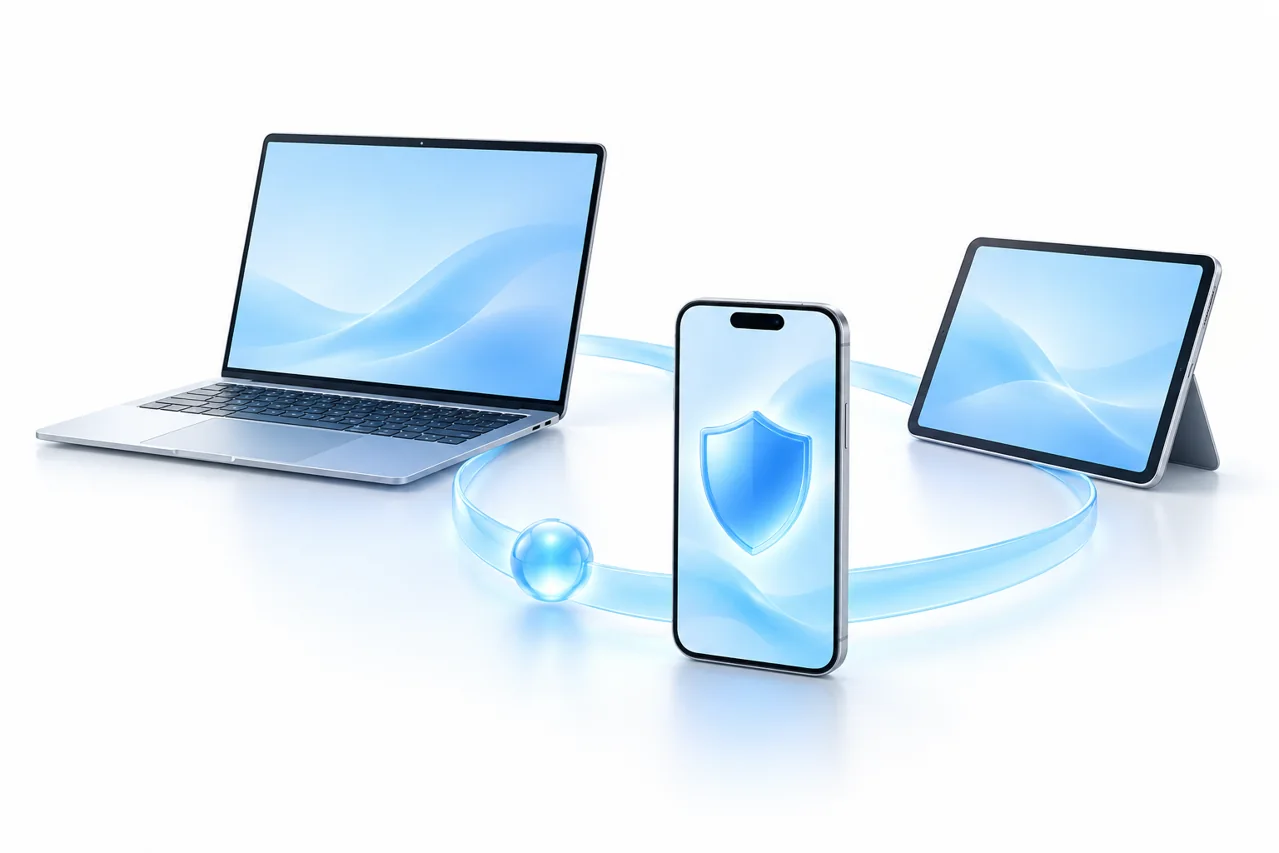
Play a short video and assess loading, pauses and quality. Use the same device and network for comparisons. One clip or a brief busy period does not describe the entire service.
A browser and a video app may follow different routes. If results differ, inspect the client mode and routing rules. For a television, check app compatibility with its operating system first.
Higher resolution generally uses more data. Paid plans share 1000 GB per month across two devices, while the trial includes 100 GB. Lowering quality may reduce buffering and data consumption.
A Secure connection does not pay for a video subscription or guarantee access to its catalogue. Check the platform’s terms and your own subscription. Test before a live event, leaving time to contact support.
Compatibility depends on your operating system and client version. System proxy mode may not cover every app; choose a connection mode using the guide.
← BlogBlog · 2026-10-01
Set up a new device, import your subscription and check the route your apps actually use.
Read article →
Blog · 2026-10-01
Find the likely cause without deleting your setup or changing several settings at once.
Read article →
Blog · 2026-10-01
Connect in a café, hotel or airport while understanding what a Secure connection can and cannot protect.
Read article →