
Blog · 2026-10-01
Your first connection: a practical checklist
Set up a new device, import your subscription and check the route your apps actually use.
Read article →Separate device history, account identity and network routing instead of expecting one privacy switch to cover everything.
Zerkalo-Pro · Updated
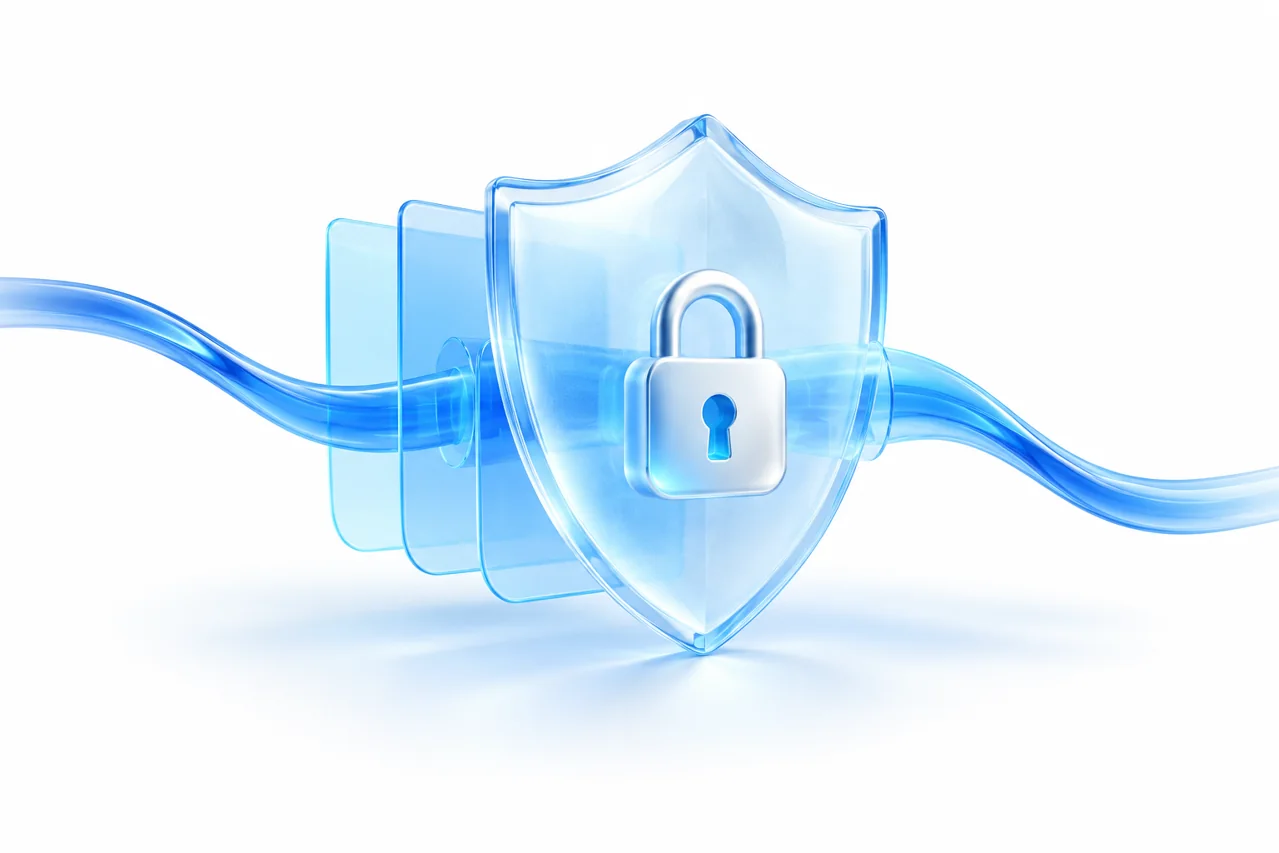
Asking whether a window is private is only a starting point. You may want to leave less history on a shared computer, keep work and personal sign-ins apart, or check a network route. These are separate jobs; a window label cannot describe protection for your device, account and connection at once.
Chrome’s private windows use a separate session. Closing all of them ends that session without retaining its ordinary browsing history and temporary site data. Downloaded files and saved bookmarks remain, however. Closing the window is therefore not equivalent to removing everything you did from the computer.
When you sign into a website in a private window, the website knows that account. A fresh session does not undo information you submit, such as a delivery address, message or order. Changed recommendations or a missing sign-out button are not reliable anonymity tests.
A Secure connection client sends selected connections through a server. A private window does not do that by itself, and a Secure connection does not clear history, downloads or accounts. You can combine them for different purposes, but client mode matters. A browser IP check does not cover other apps.
First decide whether you trust the device: private browsing cannot repair an infected system. If you need a Secure connection, connect and check the route before opening a private window. Afterwards, sign out, close every private window and separately check the downloads folder.
For history, check browser behaviour; for account security, review active sessions and two-factor authentication; for routing, inspect the client and observed IP. With Zerkalo-Pro, use the guide for your app. Neither a window colour nor a new IP proves complete anonymity.
Compatibility depends on your operating system and client version. System proxy mode may not cover every app; choose a connection mode using the guide.
← Blog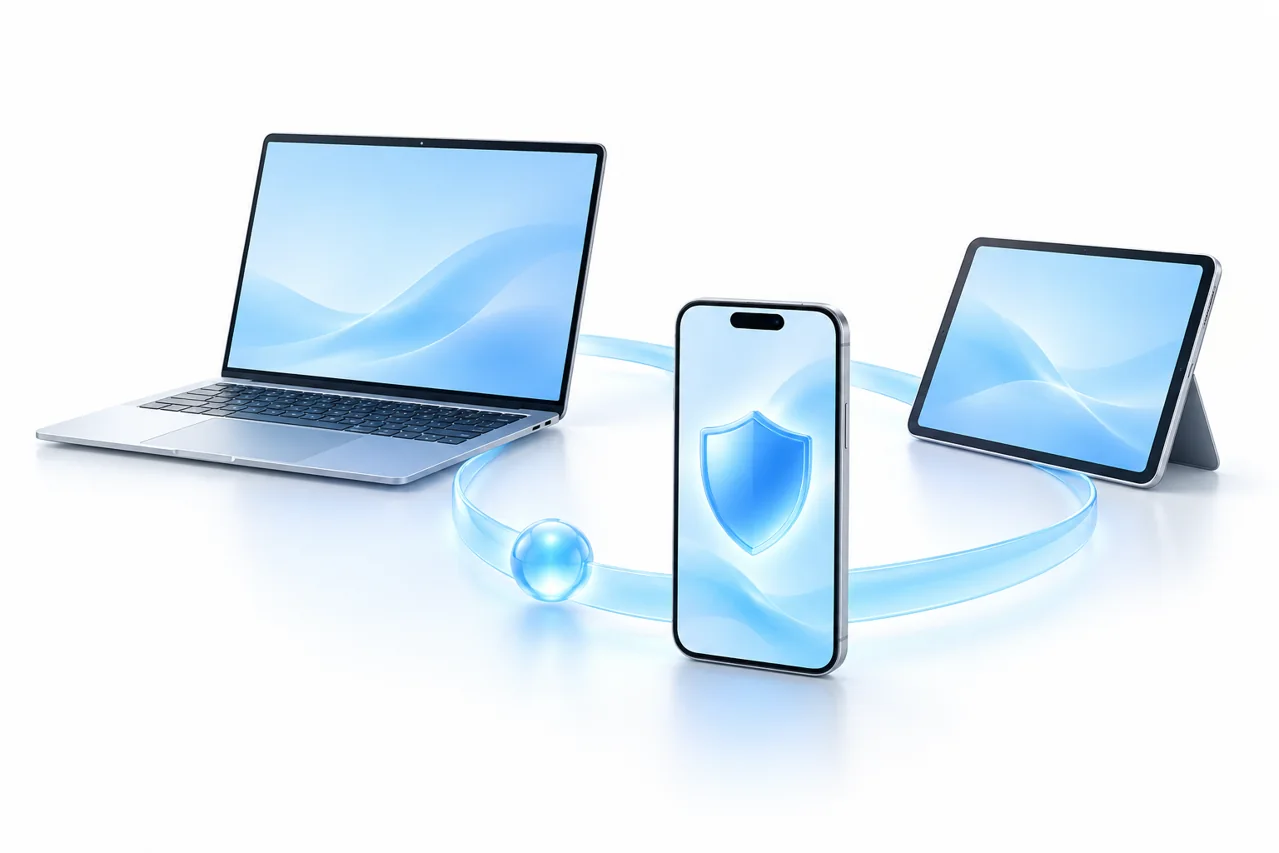
Blog · 2026-10-01
Set up a new device, import your subscription and check the route your apps actually use.
Read article →
Blog · 2026-10-01
Find the likely cause without deleting your setup or changing several settings at once.
Read article →Blog · 2026-10-01
Connect in a café, hotel or airport while understanding what a Secure connection can and cannot protect.
Read article →